Introduction
In this lab we will be combining all that we have learned in the previous labs to add aggregations to a query. As you progress through the lab, try to figure out how to achieve the the step before uncovering the answer.
Pre-requisites
- Complete Getting Started
- Complete Exploring the Query
- Complete Introduction to Filtering
Lab Objective
- Understand which aggregations are available for a query
- Properly format aggregations
- Use compound filters
- Isolate our aggregation data to answer common contact center questions
- Use filters in aggregations
Exploring Aggregation Options
Click + Add new in the top bar of Altair

- Open the Docs tab and navigate to Query > task > aggregations
- (Note that if you click into "aggregation" instead of "aggregations" it shows as deprecating soon, so we will not be using it.)
-
Note the list of fields that you have available to construct your aggregation
-
The required fields are:
- field - The field on which the aggregation operation is to be done
- type - The type of aggregation operation
- name - The name field of the output aggregation
-
If you wanted to return a count of tasks and name it "All Tasks":
-
If you wanted to also return a count of tasks which were calls and name it "Calls":
-
Note that you can separate via a comma or new line.
-
Gathering some statistics
- Copy this query to return the average queue duration
-
Use the Time Widget to retrieve a weeks worth of data and run the query
-
Add the min and max queue duration and run the query
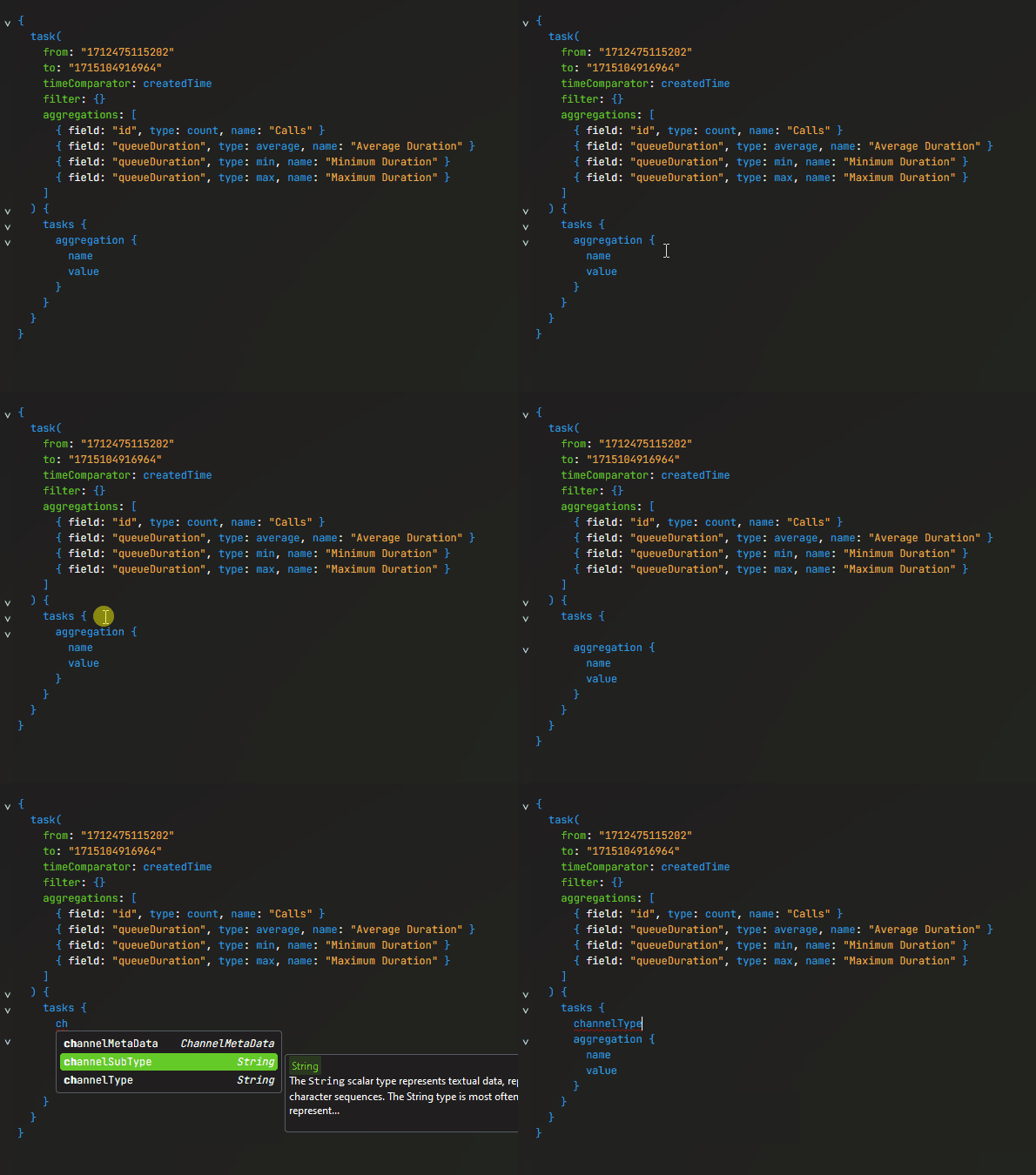
Isolate the queue durations by channelType by adding channelType in the fields list directly above aggregation and run the query
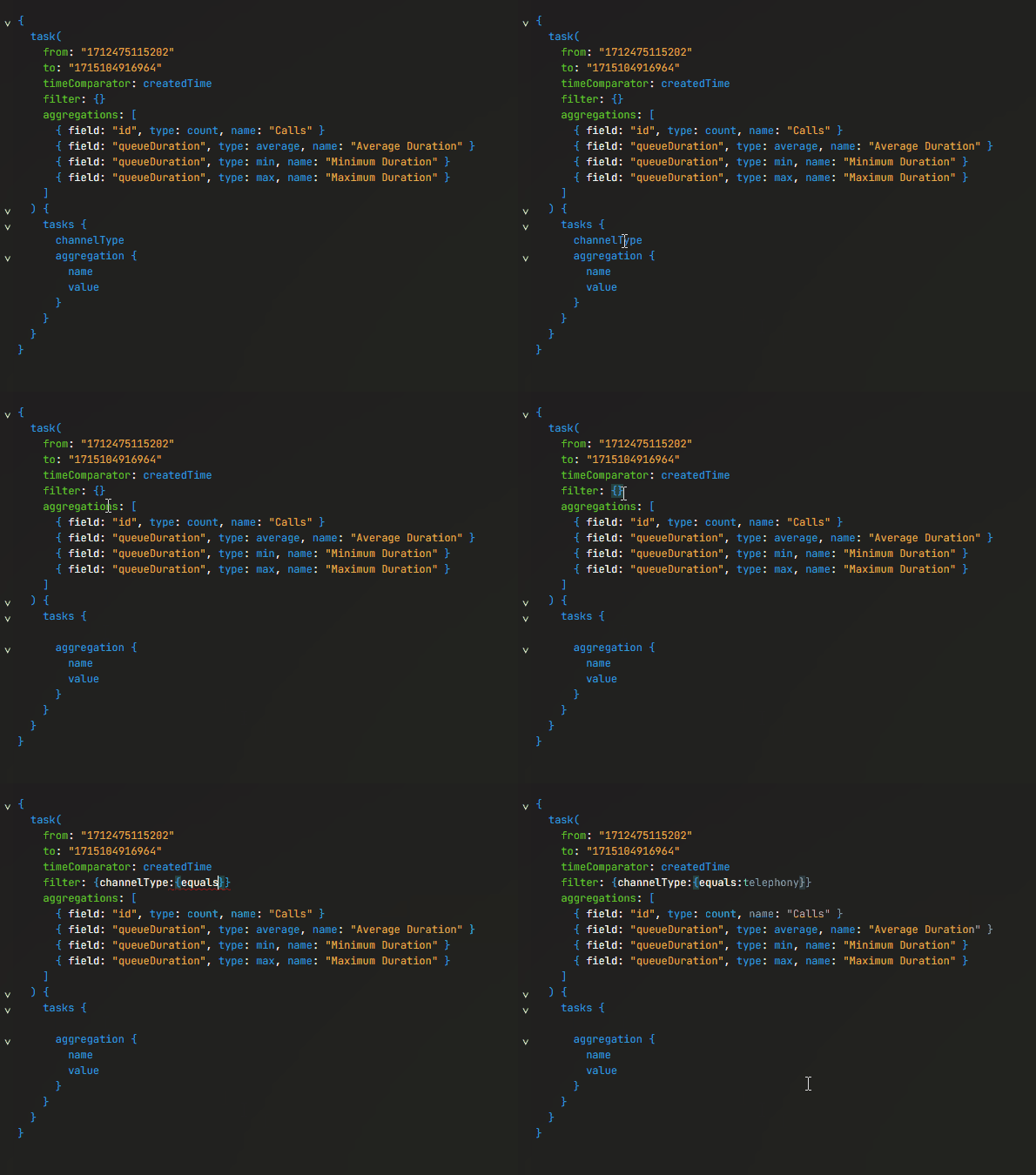
Let's filter the entire query to only return telephony tasks using the report filter and remove channelType from the fields list in task
Isolate the queue durations by terminationType
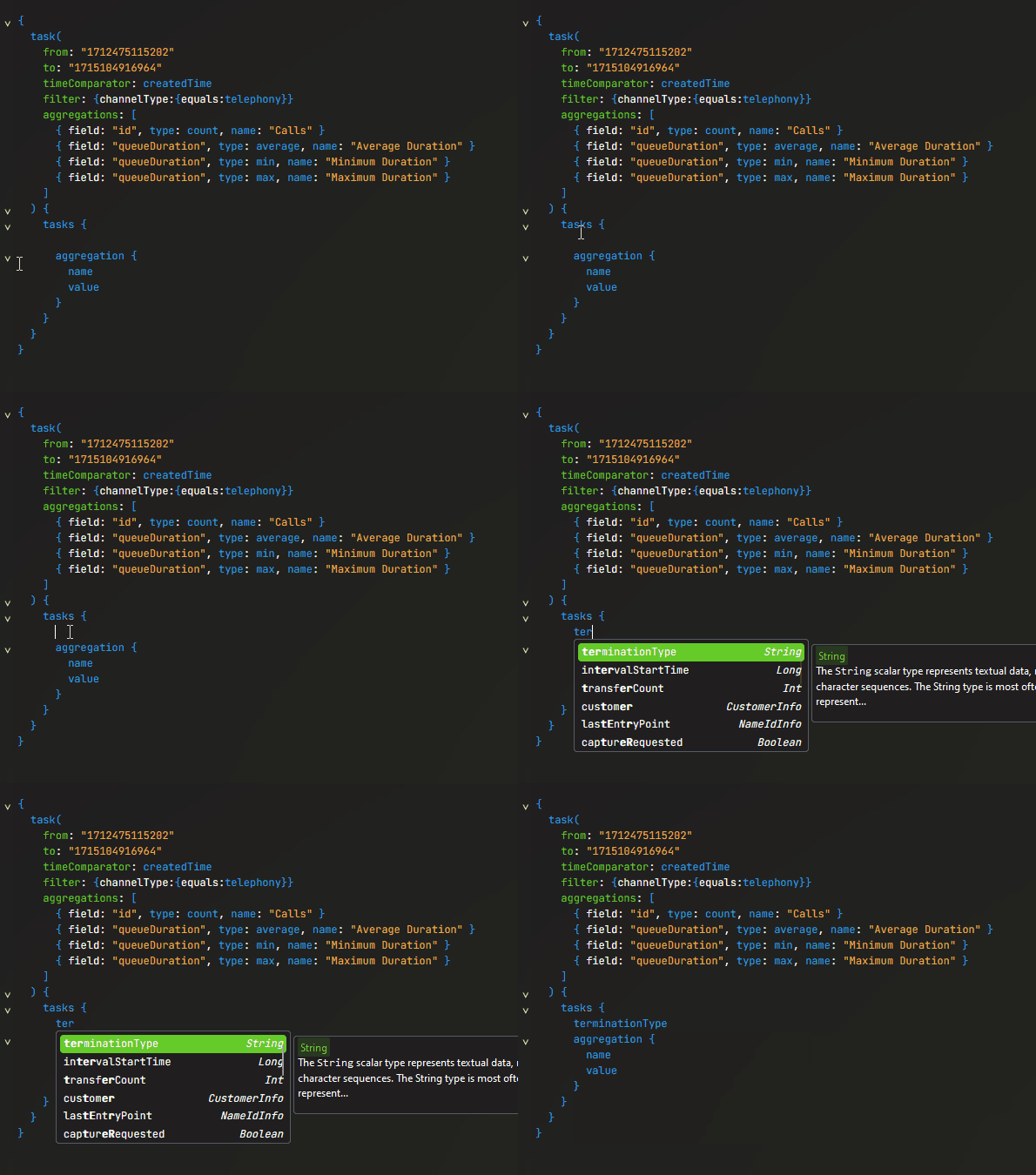
- What is the average time to abandon?
- What is the average speed of answer?
- What is the maximum time in queue?
Delving into the Data
Add filters to the main query filter to only return normal and abandoned calls
Add an aggregation to return the count of calls.
Isolate the call count and durations by queue name and termination type.
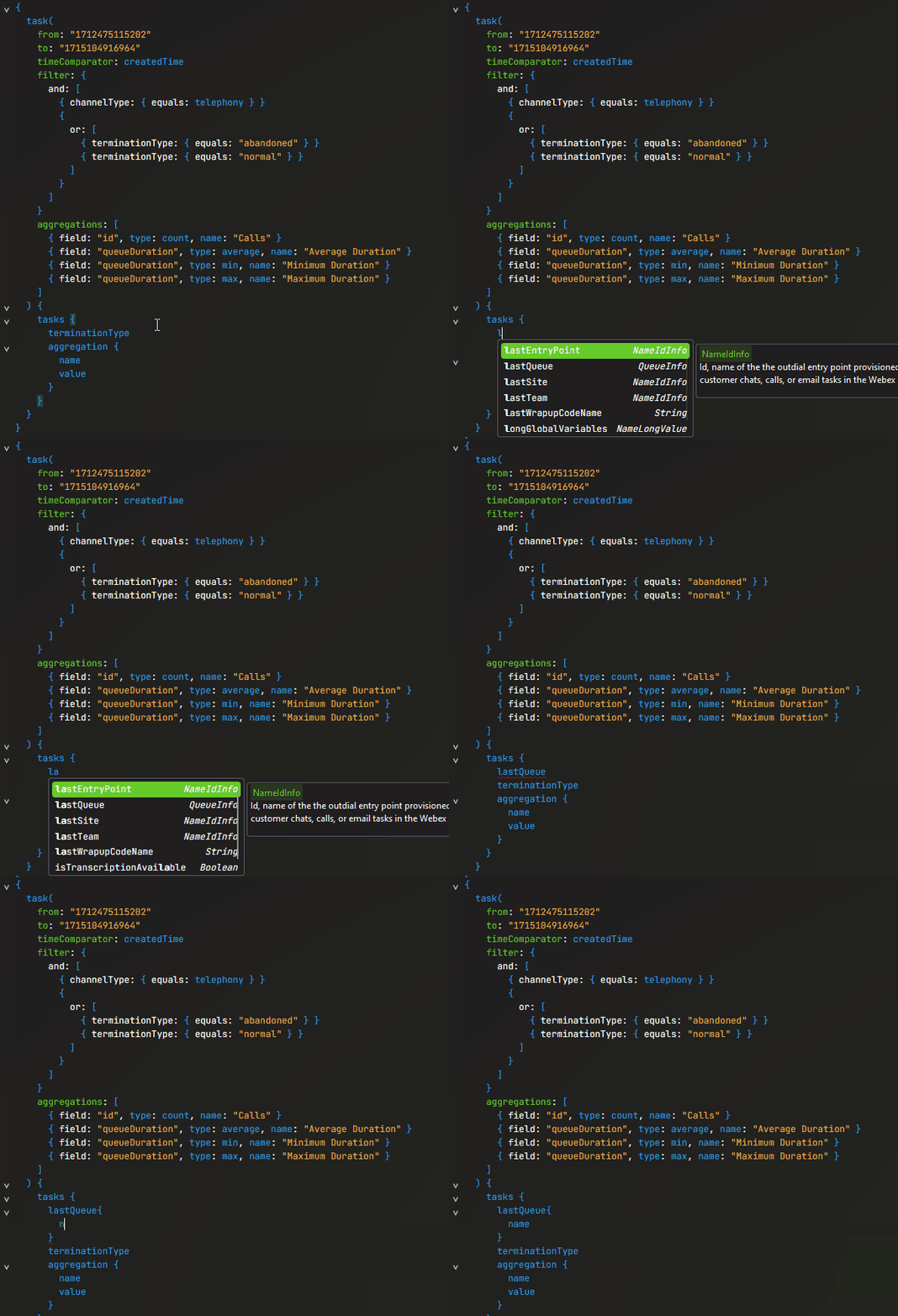
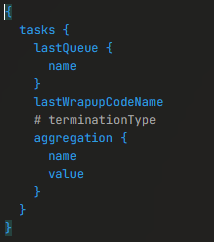
- Comment out the filter for termination type of abandoned, the aggregation for Minimum Queue Duration, and termination type in the fields list (
ctrl + /) Add max and average for connectedDuration to your aggregations.
Isolate the queue aggregations to additionally be broken up by lastWrapupCodeName
Add an aggregation to return a count of callback tasks.
Bifurcate the max and average queue duration aggregations on if the call was a callback without splitting the Connected Duration aggregations.