Overview
Learning Objectives 
This lab will give you an introduction to Customer Journey Data Service (CJDS) for Webex Contact Center. Next, you'll access a Webex Contact Center developer sandbox, get hands-on with modifying an IVR flow in the Flow Designer tool, and utilize a Bruno collection to make API calls & send JDS events in the flow. Then, you'll validate the flow by calling the assigned inbound phone number and test the IVR as a customer. After that, you'll explore the Agent Desktop and observe how it all comes together inside of a Widget.
Disclaimer
Although the lab design and configuration examples could be used as a reference, for design related questions please contact your representative at Cisco, or a Cisco partner.
Lab Access 
You'll be assigned a lab number and sandbox credentials by an instructor.
Getting Started 
In this section, we’ll prepare the environment needed to complete the lab. Please follow each step carefully to ensure everything is ready for the hands-on exercises. Once the environment is configured, you’ll be ready to dive into the lab activities!
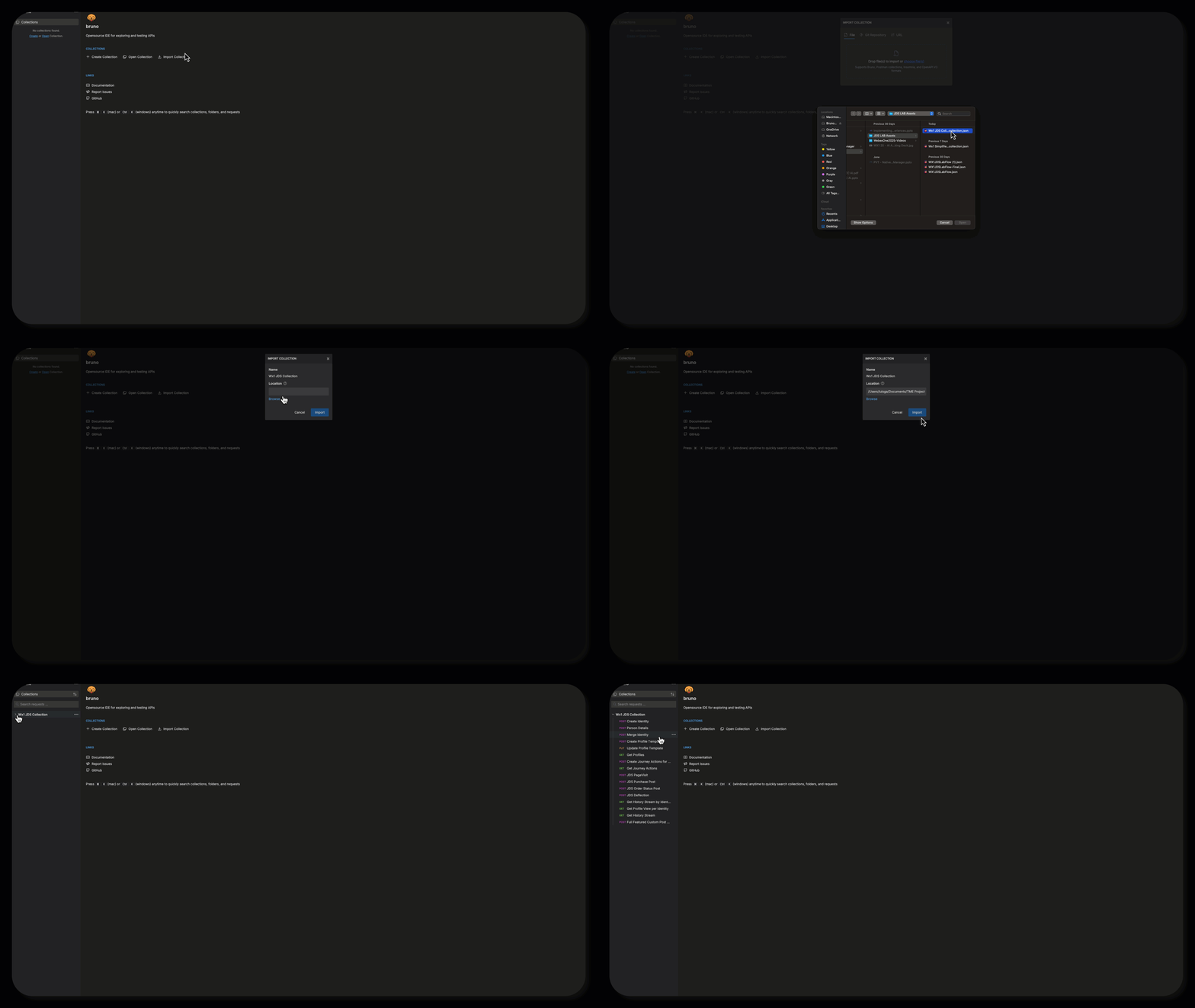
To get started, you’ll need to download the Bruno collection for this lab. This collection contains all the necessary API requests to complete the exercises. Follow these steps:
- Download the Collection: WebexOne JDS Bruno Collection - Click on the link to download the Bruno collection file.
- Import into Bruno:
- Open Bruno.
- Go to File > Import.
- Select the downloaded collection file and import it.
Bruno Import GIF
Postman Collection
Instructions in this guide were written using Bruno, but you can download the Postman collection here: WebexOne JDS Postman Collection
Once imported, you’ll be able to access the collection and use it to complete the lab tasks.