Mission 2: Wrap Up Summary
🚨 Important Lab Dependency
This mission requires configuration created in the following missions:
If this mission was not completed, some steps in current mission will not function correctly.
Feature Description
The Webex Contact Center Wrap-up Summary AI feature is part of the AI Assistant capabilities designed to enhance agent productivity and customer experience. This feature automatically generates the conversations summaries based on the interactions between the agent and the customer during a contact center session. It helps agents by summarizing the conversation and recommending next actions, reducing manual effort and improving accuracy in post-call documentation.
Benefits:
- Reduced agent workload: By automatically generating wrap-up codes and summarizing conversations, agents spend less time on manual documentation.
- Improved accuracy: The AI-generated summaries help ensure consistent and precise post-call records.
- Enhanced customer satisfaction: Thorough and accurate wrap-up improves follow-up actions and overall customer experience.
- Increased agent efficiency: Integration with other AI capabilities like virtual agent summaries and suggested responses helps agents work more effectively.
- Recommended next actions: The feature suggests follow-up steps, guiding agents on what to do after the interaction.
Mission Details
Your mission is to:
- Enable Wrap-up Summary feature.
- Test Wrap-up Summary feature.
Build
[READ ONLY] Verify feature configuration
-
You should have the new AI Assistant SKU A-FLEX-AI-ASST from CCW provisioned in the tenant.
-
Once you have provisioned it, admins with the appropriate profile and access controls will be able to see the AI Assistant menu in Control Hub. From there, the customer can enable/disable the Wrap-up summaries.
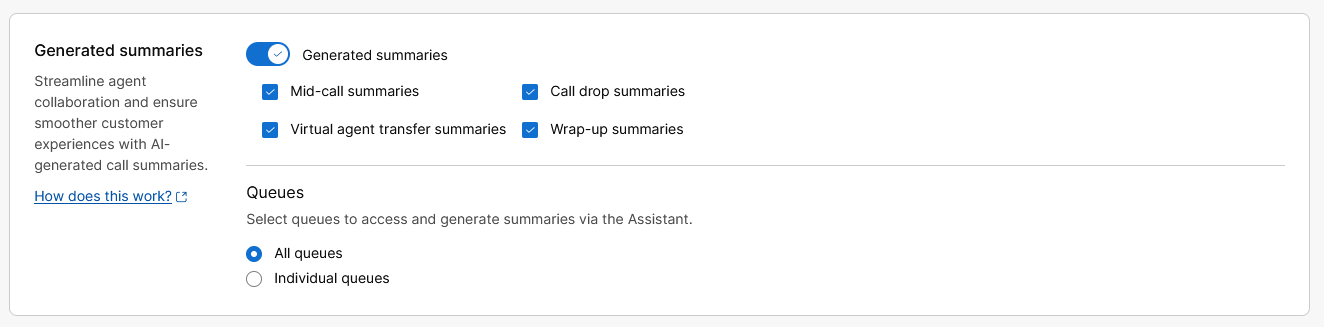
-
The Agent needs to logged in to the Team that is configured with Desktop Layout that has Agent Assistance features configured(Note: Default desktop layout already incudes the AI Agent Assistance widget).
Agents Team: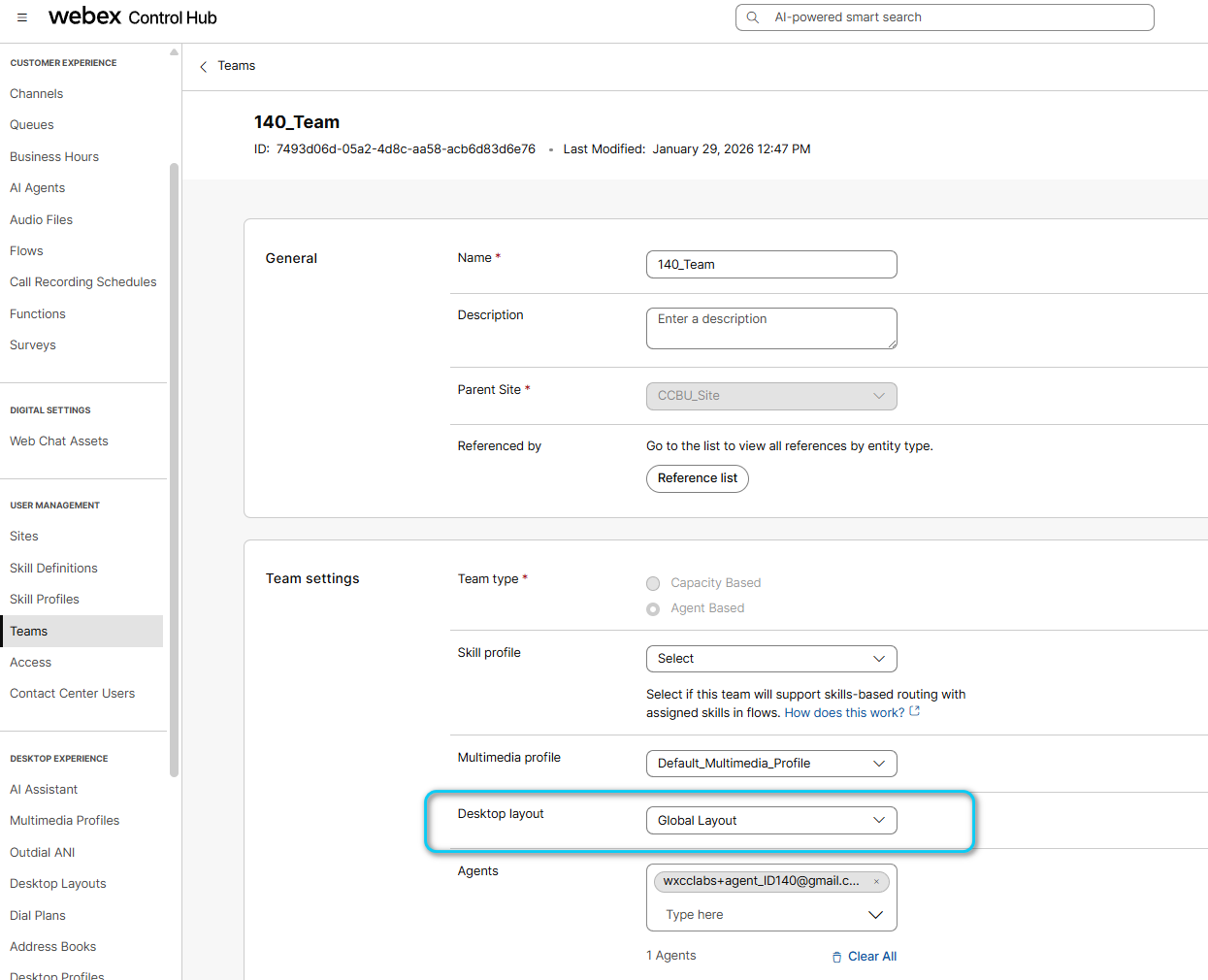
Desktop Layout: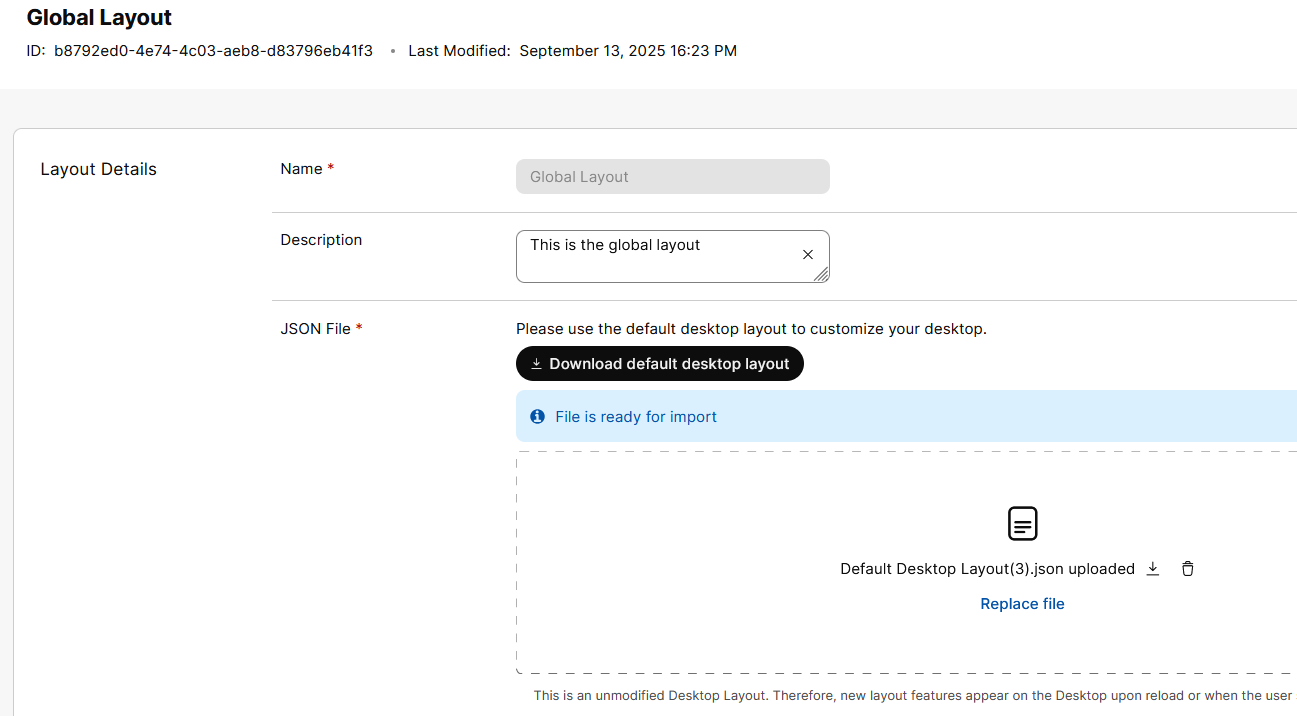
Testing Wrap-up Summary feature
-
Your Agent Desktop session should still be active. If it is not, launch Desktop using the cross-launch link in Control Hub.
See how to run Agent Desktop from the Control Hub
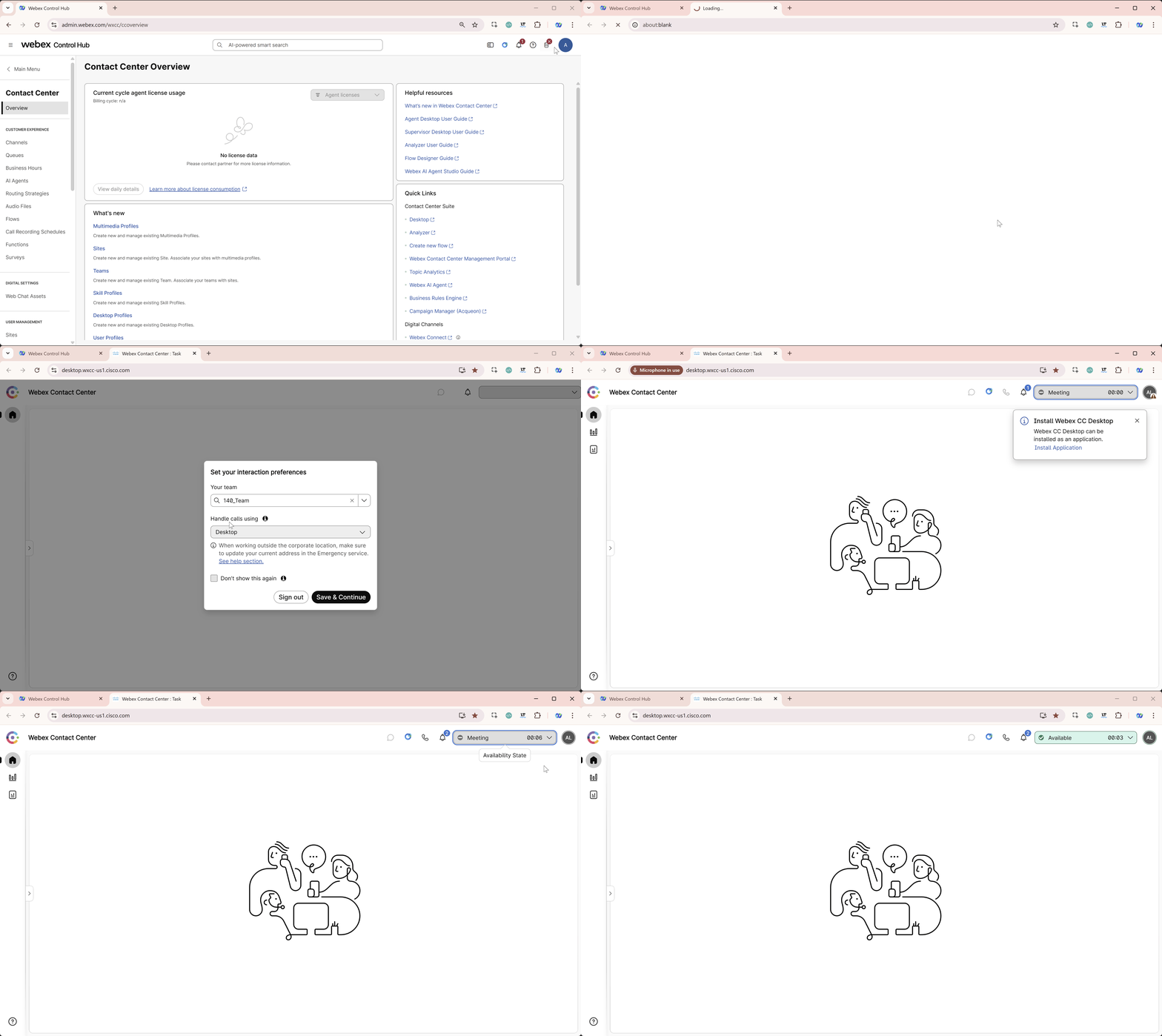
-
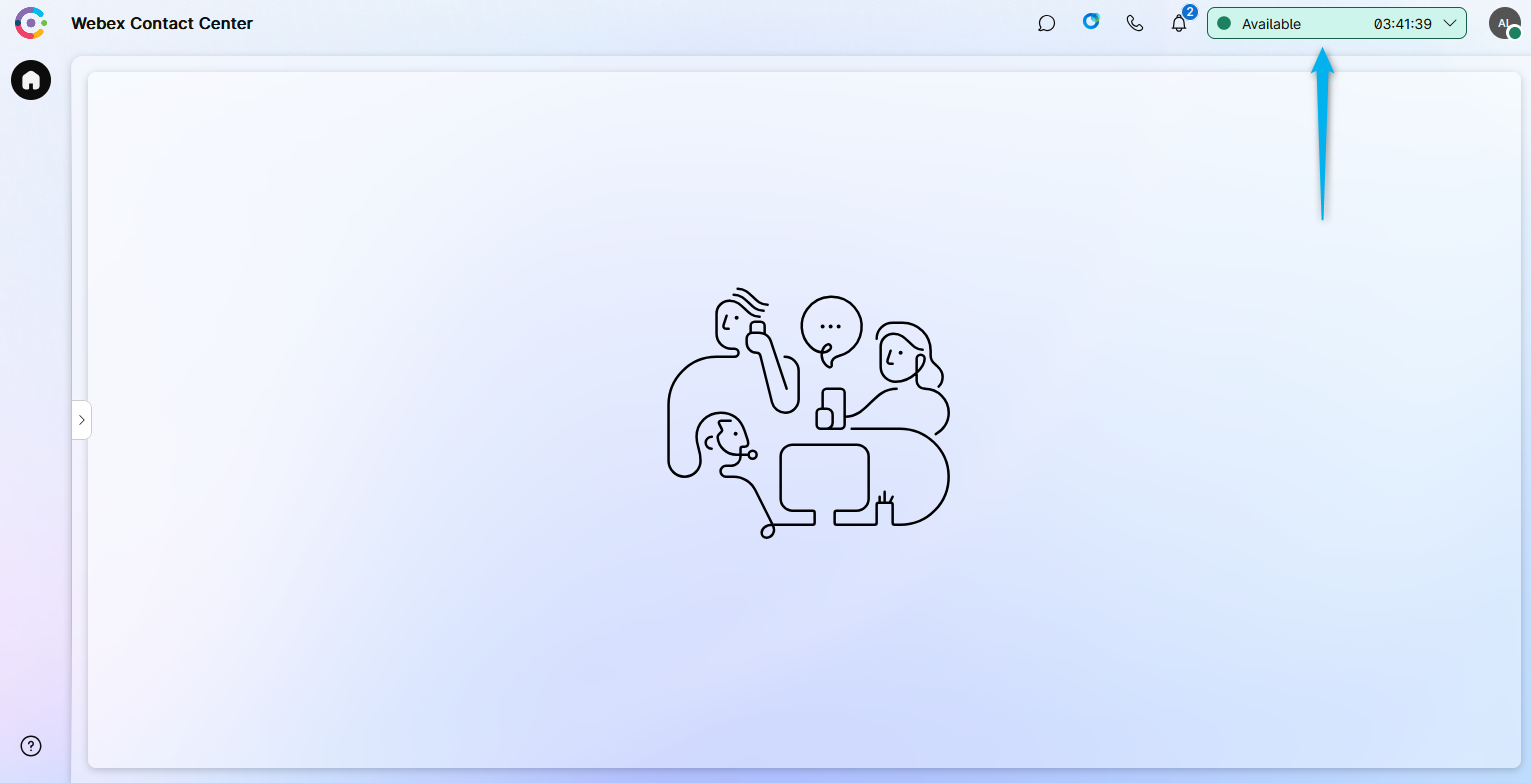
Make your agent Available and you're ready to make a call.
-
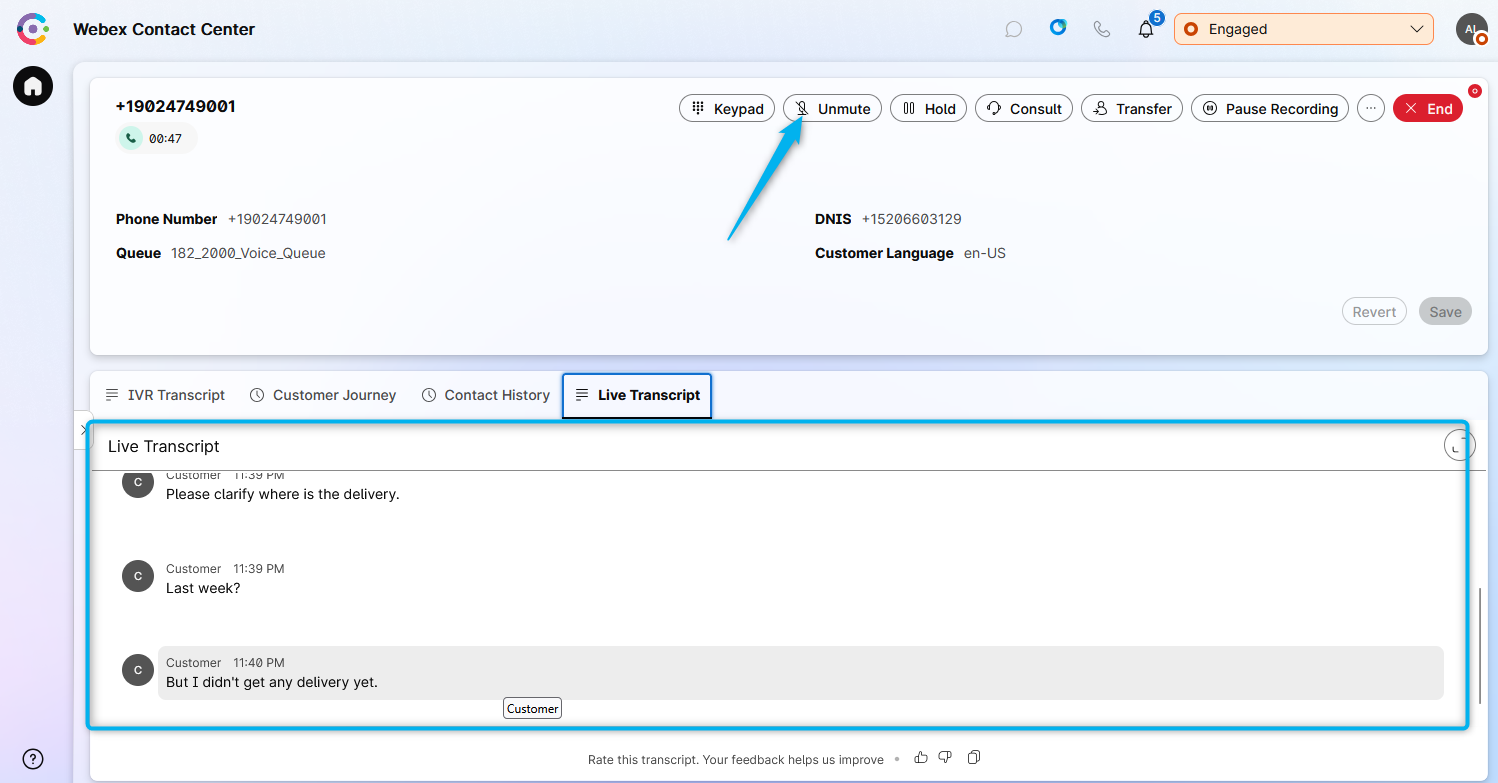
Place a call to your channel. Answer the call with the agent and put the agent on mute if you are using a Webex phone to place the call, as we use one microphone for both the caller and agent. As the customer say that you ordered flowers but didn't receive a delivery.
-
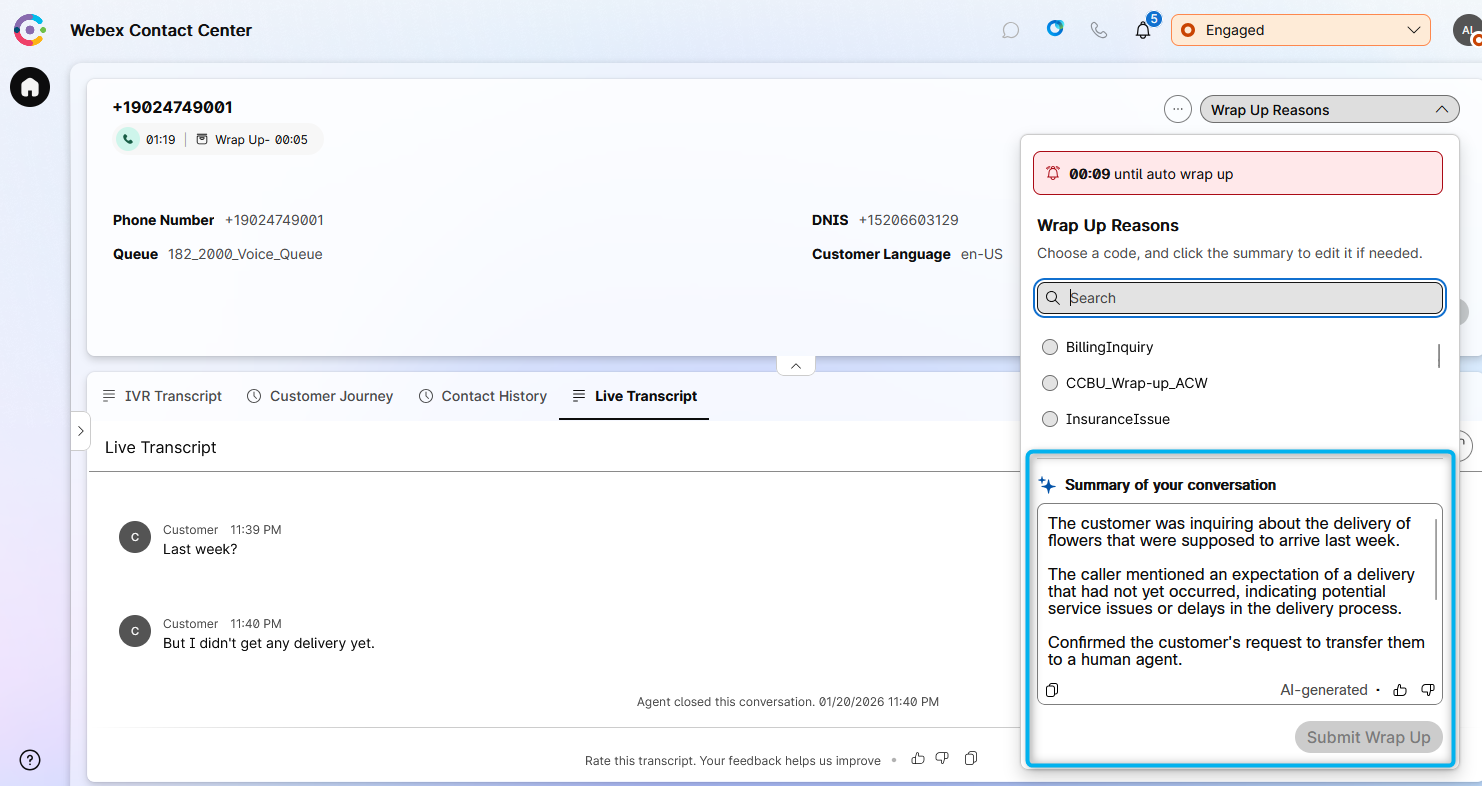
Disconnect the call. You should see the wrap up summary of the call.
Congratulations, you have officially completed this mission! 🎉🎉